
When you first transitioned to remote work, you likely celebrated the immediate financial wins. You stopped spending $50 a week on gasoline; you traded $15 deli sandwiches for leftovers; you perhaps even sold a second car that you no longer needed. On the surface, working from home feels like a massive pay raise. However, as the months turn into years, the “invisible” expenses of a home-based career begin to surface. From spiked utility bills to the high price of a subpar office chair, your home office carries an overhead that your employer used to cover.
According to data from the Federal Reserve, the shift toward remote work has fundamentally changed household consumption patterns. While commuting costs plummeted, residential energy use during business hours rose significantly. If you fail to account for these shifts, your “savings” might actually be leaking out through your HVAC system and high-speed internet upgrades. To build a sustainable financial future, you must treat your home office like a small business—carefully tracking remote work expenses and building a work from home budget that prioritizes productivity without draining your savings.

The Essentials: A Quick Summary
- Incremental Utility Costs: Expect a 10% to 20% increase in electricity and heating/cooling costs when you occupy your home 24/7.
- Technology Upkeep: High-speed internet is no longer a luxury—it is a business necessity that may require a dedicated backup line or mesh network.
- Ergonomics vs. Health: A cheap chair often leads to expensive physical therapy; budgeting for quality furniture is a preventative health measure.
- Tax Realities: Understand that home office tax deductions are largely reserved for the self-employed, not W-2 employees.
- The “Shadow” Budget: Account for increased wear and tear on your home and the loss of “incidental” employer perks like free coffee or gym access.
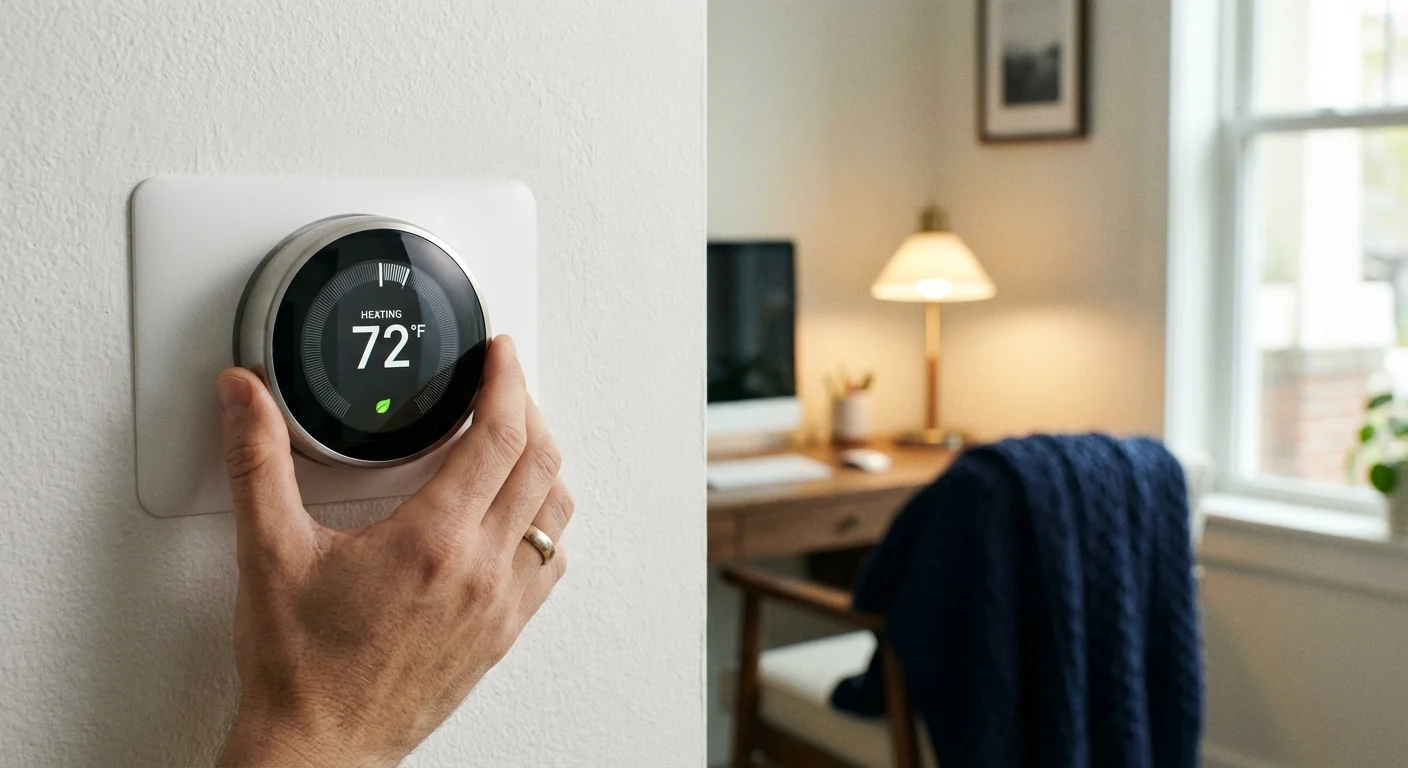
The Utility Spike: When Your Living Room Becomes Your Office
In a traditional office setting, your employer pays for the climate control, the lighting, and the water used in the restrooms. When you work from home, you absorb these costs. During the peak of summer or the depths of winter, keeping a single room—or an entire house—at a comfortable working temperature for an additional 40 to 50 hours a week adds up quickly. Depending on your local utility rates, you might see your monthly electric bill jump by $30 to $100.
To manage this, you should audit your home’s energy efficiency. Simple changes—like installing a smart thermostat to zone your heating or switching to LED desk lamps—can mitigate the impact. Furthermore, your internet requirements likely increased. If your job involves frequent video conferencing or large file transfers, the basic $40-a-month plan probably won’t cut it. Upgrading to a gigabit connection or a business-class tier can add another $300 to $600 to your annual expenses.
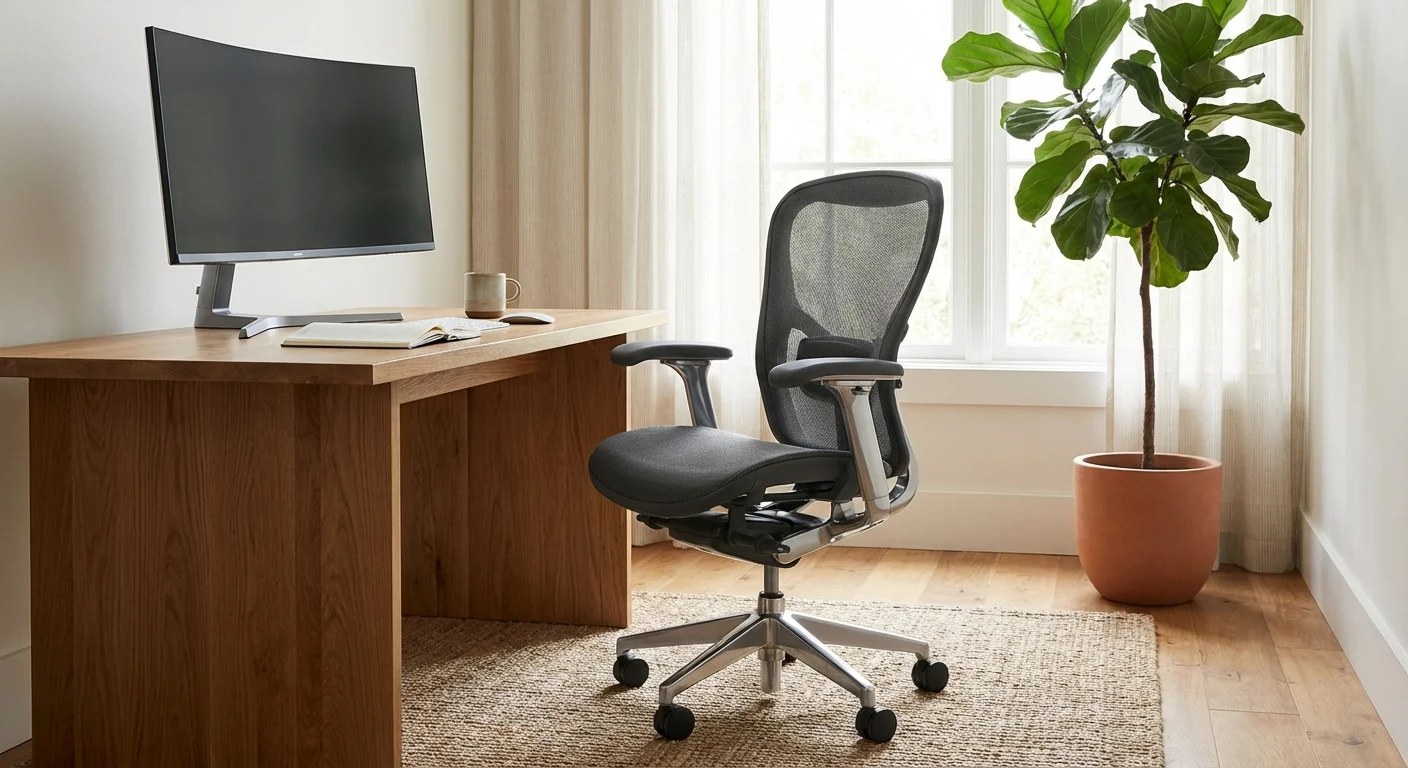
The Ergonomic Trap: Investing in Your Physical Longevity
One of the most common mistakes remote workers make is trying to work from a kitchen chair or a sofa. While this works for a few days, it eventually leads to repetitive strain injuries, back pain, and decreased focus. A professional-grade ergonomic chair—like those from Herman Miller or Steelcase—can cost between $800 and $1,500. While that price tag might induce sticker shock, compare it to the cost of three months of physical therapy or a lost week of productivity due to a pinched nerve.
“Price is what you pay. Value is what you get.” — Warren Buffett, Chairman and CEO of Berkshire Hathaway
When you build your work from home budget, view these purchases as capital investments rather than simple expenses. A high-quality standing desk and a 4K monitor don’t just make you “feel” professional; they reduce eye strain and physical fatigue, allowing you to work longer and more effectively. If you are struggling to afford these items upfront, look for “open-box” deals from office liquidators who resell high-end furniture from closed corporate offices.

Comparing the True Costs: Office vs. Remote
To see where your money is actually going, it helps to look at a side-by-side comparison of traditional office costs versus remote work overhead. While you save on “outward-facing” costs, you gain “inward-facing” responsibilities.
| Expense Category | Traditional Office (Employee Pays) | Remote Home Office (You Pay) |
|---|---|---|
| Transportation | Gas, Tolls, Parking, Oil Changes | Zero (or minimal) |
| Utilities | Baseline Home Use | Full Daytime Heating/Cooling/Electric |
| Internet | Standard Home Plan | High-Speed Business or Mesh Network |
| Food & Drink | Lunch Specials, Office Coffee | Groceries, Premium Home Coffee |
| Equipment | Provided by Company | Furniture, Peripherals, Lighting |
| Professional Attire | Business Casual/Suits/Dry Cleaning | Casual Wear (Lower Cost) |

The Truth About Home Office Tax Deductions
There is a recurring myth that every remote worker can deduct their rent and utilities on their tax return. This is patently false for the majority of the workforce. Since the Tax Cuts and Jobs Act of 2017, W-2 employees (those who receive a standard paycheck from an employer) generally cannot claim home office tax deductions on their federal returns. This remains true even if your employer requires you to work from home and does not provide an office.
However, if you are a freelancer, an independent contractor, or a small business owner (1099 income), the rules change. The Internal Revenue Service (IRS) allows you to deduct expenses for the part of your home used exclusively and regularly for business. This can be calculated in two ways:
- The Simplified Option: You claim $5 per square foot of your home used for business, up to a maximum of 300 square feet ($1,500).
- The Regular Method: You track the actual expenses of your home office, including a percentage of your mortgage interest, insurance, utilities, and repairs.
Be careful: the “exclusive use” rule is strict. If your home office is also your guest bedroom or your child’s playroom, you technically do not qualify for the deduction. Always consult a tax professional or use resources from the Consumer Financial Protection Bureau (CFPB) to ensure you aren’t inviting an audit by miscalculating your workspace.

The Hidden “Social” and Health Costs
Beyond the physical objects in your room, remote work changes your spending on health and social interaction. Many corporate offices provide free gym access or subsidized memberships; when you work from home, that $50-to-$100 monthly gym bill falls entirely on you. Similarly, “water cooler talk” is often replaced by intentional social outings to fight isolation. If you find yourself spending $20 a day at a local coffee shop just to be around other humans, that is a remote work expense that must be tracked.
Furthermore, you should consider the cost of “lifestyle creep” in your grocery bill. Working ten feet from your refrigerator makes it easy to graze throughout the day. If you aren’t careful with meal prepping, your grocery spending can actually exceed what you used to spend on occasional office lunches. High-quality coffee beans, sparkling water, and premium snacks add up to a significant “office pantry” cost that you previously didn’t have to manage.
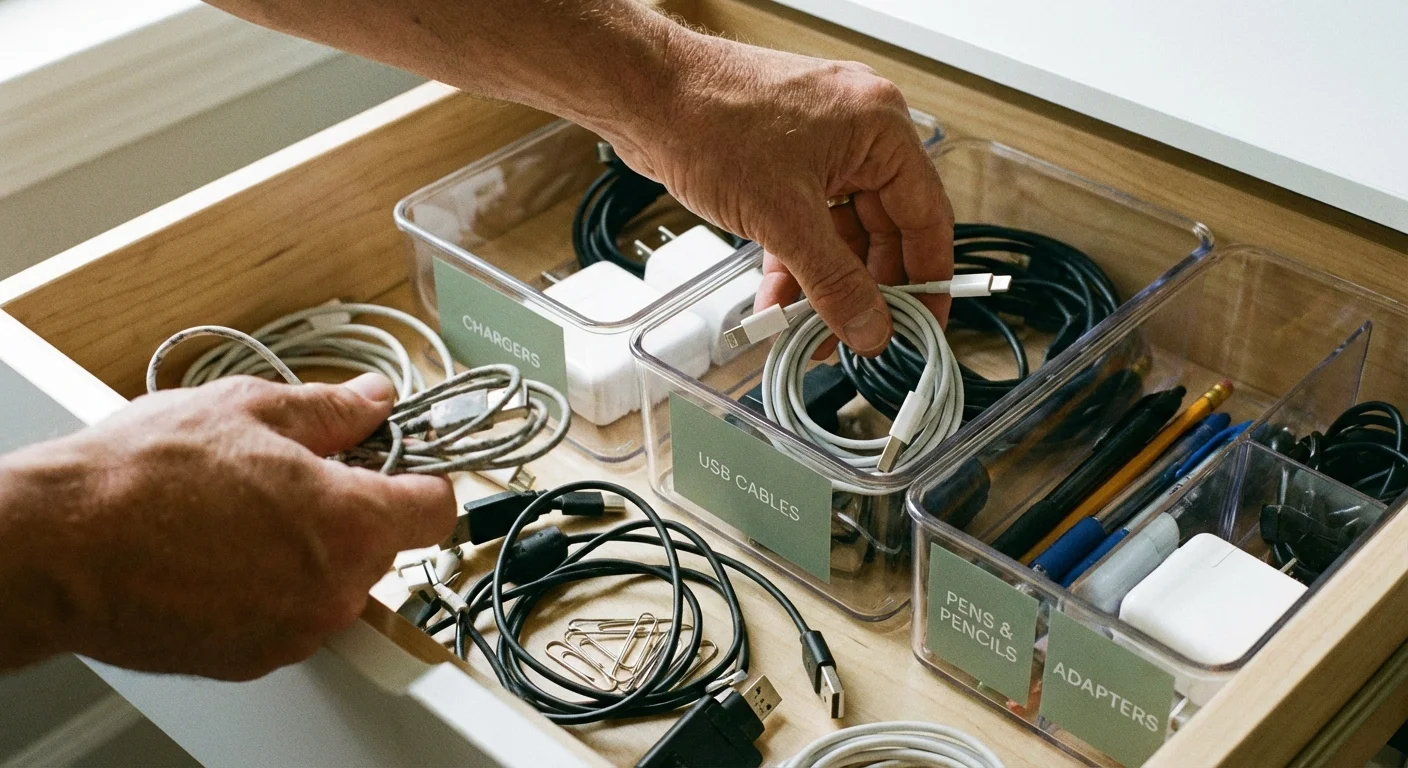
Avoiding Common Errors
Managing a home office requires a different level of financial discipline than a traditional job. Avoid these common mistakes to keep your budget in the green:
- Failing to Separate Personal and Business Tech: Using your 7-year-old personal laptop for work might save money today, but a crash during a client presentation could cost you your job. Budget for a dedicated machine.
- Neglecting Maintenance: Your home is being used 100% more during the day. Air filters need changing more often; carpets wear out faster; the kitchen sink gets used three times as much. Allocate an extra 1% of your home’s value annually for increased maintenance.
- Forgetting Insurance: Standard homeowners’ insurance may not cover expensive business equipment like high-end servers or specialized medical gear. Check with your provider to see if you need a “home business” rider.

Budgeting for the “New Normal”
To build a productive home office without going broke, you should implement a tiered budgeting strategy. Start by identifying your “Must-Haves”—the items required for you to actually perform your job. This includes a stable computer, high-speed internet, and a functional desk. Next, identify “Productivity Boosters,” such as a second monitor, a noise-canceling headset, or better lighting.
Use a “Sinking Fund” approach for your tech. If you know you’ll need a new $1,200 laptop every three years, set aside $33 a month in a dedicated savings account. This prevents a sudden hardware failure from becoming a financial emergency. If your employer provides a “remote work stipend,” do not treat it as a bonus. Put it directly into this fund to cover future upgrades and repairs.
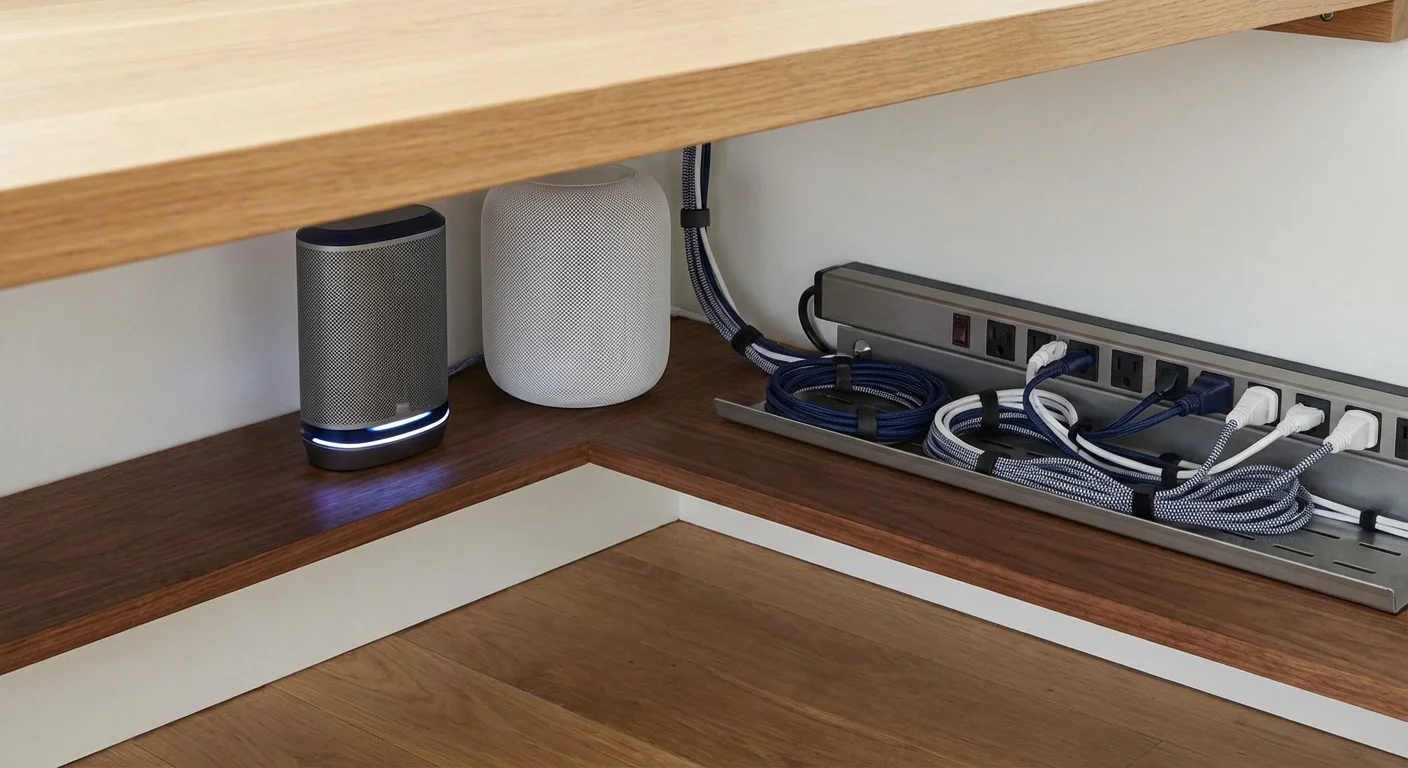
When DIY Isn’t Enough
While most people can manage their home office setup independently, there are three scenarios where you should seek professional help:
- Electrical Overload: If you are running multiple monitors, a high-powered PC, a printer, and a space heater on one circuit and the breaker keeps tripping, hire an electrician. An electrical fire is far more expensive than a new dedicated circuit.
- Complex Tax Situations: If you have mixed income (part W-2, part 1099), calculating your home office deduction is tricky. A CPA can often find enough savings to pay for their own fee.
- Chronic Physical Pain: If you have adjusted your chair and desk but still experience numbness or sharp pain, consult an occupational therapist. They can perform a remote ergonomic assessment to ensure your setup isn’t causing permanent damage.
Frequently Asked Questions
Can I ask my employer to pay for my home internet?
It depends on your state. In states like California and Illinois, employers are legally required to reimburse employees for necessary business expenses, which often includes a portion of your phone and internet bills. In other states, it is a matter of company policy. Always check your employee handbook and the USA.gov resources for labor laws.
Is a coworking space membership tax-deductible?
If you are self-employed, yes. A coworking membership is generally considered a business rent expense. If you are a W-2 employee, you typically cannot deduct these costs, even if the office is too loud to work in.
How much should I spend on a home office setup?
A functional, ergonomic starter setup usually costs between $1,500 and $2,500. This includes a mid-range laptop, a quality chair, a desk, and basic peripherals. Spreading these costs over a year makes them more manageable.
Next Steps for Your Home Office
Start today by reviewing your last three months of utility bills. Compare them to the same period from two years ago to see your true “remote work premium.” Once you have that number, adjust your monthly budget to account for it. If the costs are higher than expected, look for ways to optimize—invest in heavy curtains to keep heat in during the winter or switch to a more efficient ISP. Your home office should be an engine for building wealth, not a drain on your bank account.
This is educational content based on general financial principles. Individual results vary based on your situation. Always verify current tax laws, investment rules, and benefit eligibility with official sources.
Last updated: February 2026. Financial regulations and rates change frequently—verify current details with official sources.









Leave a Reply