
The average American household now pays over $100 per month for basic cable television packages, a figure that often swells significantly when you factor in regional sports fees, set-top box rentals, and local broadcast surcharges. Over a decade, that monthly bill translates to $12,000—a sum that could instead fund a significant portion of an emergency fund or a Roth IRA contribution. As we move through 2025, the technology required to ditch traditional cable has never been more accessible or high-quality. However, without a strategic approach, many consumers find themselves “subscription stacking,” eventually paying more for a dozen streaming services than they originally did for cable.
Cutting the cord requires more than just canceling a contract; it requires a shift in how you consume media. To maximize your savings, you must identify which channels are non-negotiable and which were simply “filler” in your previous cable package. By auditing your viewing habits and leveraging the competitive landscape of 2025 streaming services, you can reclaim hundreds of dollars a year without sacrificing your favorite shows or live sports.
The Financial Math of Cord Cutting
Before you call your cable provider to cancel, you must understand the true cost of your current service. Most cable bills are intentionally opaque. You might see a “triple play” bundle advertised for $89, but your actual bank statement shows a withdrawal of $165. This discrepancy usually stems from hidden fees. According to research from Consumer Reports, fees for “broadcast TV” and “regional sports” can add as much as $40 to a monthly bill, regardless of whether you actually watch those channels.
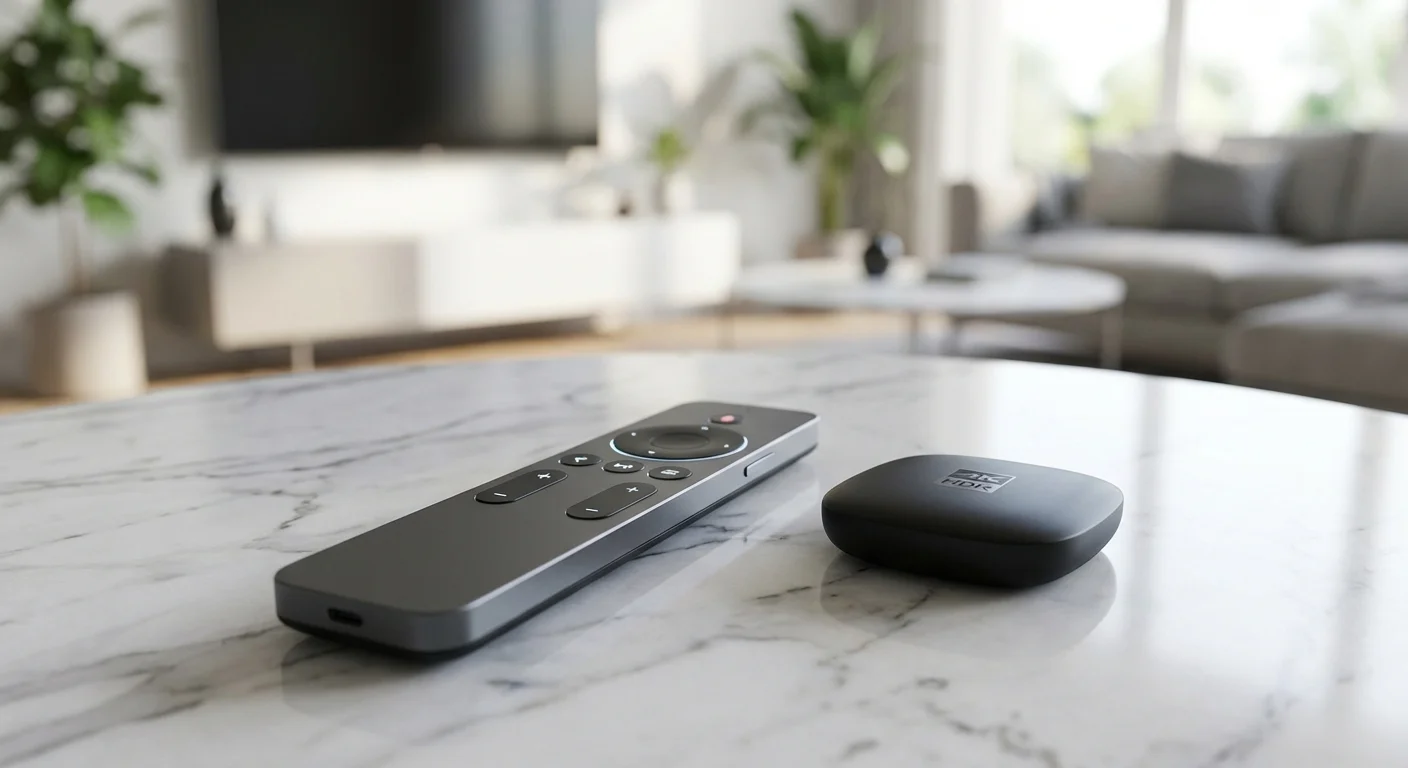
When you switch to streaming, you generally eliminate these specific surcharges. You also stop paying “rental” fees for hardware. In a typical cable setup, you might pay $10 to $15 per month for each DVR or cable box in your home. Over three years, a single box can cost you $540—more than five times the price of a high-end 4K streaming device like an Apple TV or a Roku Ultra. By owning your hardware, you shift from a perpetual rental model to a one-time investment.
“Look at your expenses as a way to find money to invest. Every dollar you don’t spend on a service you don’t use is a dollar that can work for you in the market.” — Suze Orman, Personal Finance Expert

Auditing Your Entertainment Needs
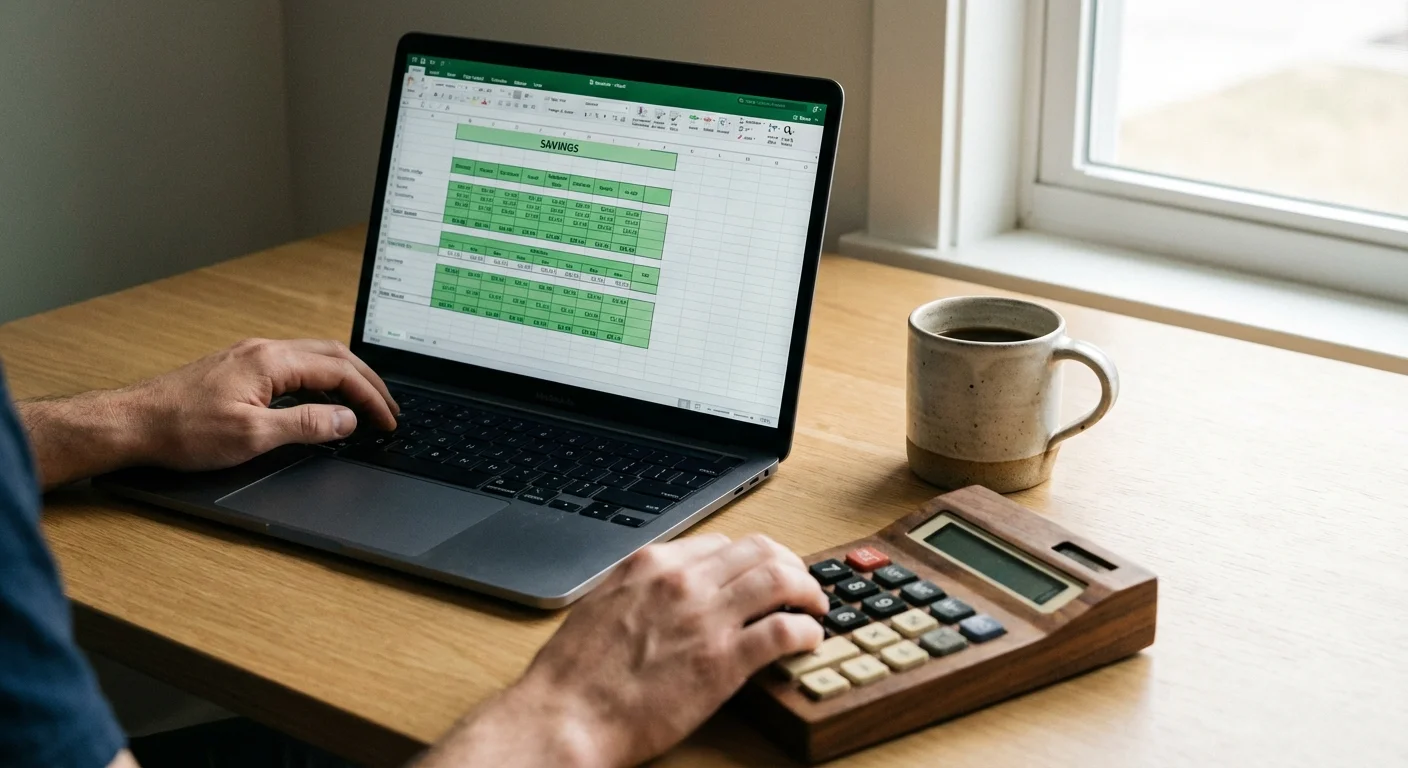
Successful cord-cutting starts with a spreadsheet or a simple piece of paper. Track every show and sports team your household watches over a 30-day period. You will likely find that your “must-have” list is much shorter than the 200+ channels your cable provider offers. Once you have this list, you can categorize your needs into three buckets: Live TV (news and sports), On-Demand (movies and prestige dramas), and Local Channels.
One of the biggest mistakes consumers make is trying to recreate the exact cable experience. If you insist on having a 200-channel grid guide, you will likely end up with a high-priced live TV streaming service. However, if you realize you only watch three specific shows on Bravo and HGTV, you might find that a $6.99 monthly subscription to an on-demand service covers your needs for a fraction of the cost of a live TV bundle.
Comparing the Best Cable TV Alternatives in 2025
The market for cable tv alternatives has matured, offering two distinct paths: Live TV Streaming Services (vMVPDs) and On-Demand Services. The following table compares the top contenders in the live TV space, which are designed to replace your cable box directly.
| Service | Starting Price (Approx) | Best For | Key Features |
|---|---|---|---|
| YouTube TV | $72.99/mo | Families and Sports Fans | Unlimited DVR, 100+ channels, NFL Sunday Ticket add-on. |
| Hulu + Live TV | $76.99/mo | General Entertainment | Includes Disney+ and ESPN+, excellent original content. |
| Sling TV | $40.00/mo | Budget-Conscious Users | A-la-carte style packages (Orange vs. Blue), cheapest streaming services for live TV. |
| Fubo | $79.99/mo | Hardcore Sports Fans | Extensive international sports coverage, 4K streaming options. |
| Philo | $28.00/mo | Lifestyle and Reality TV | No sports or news, focuses on HGTV, Hallmark, and Discovery. |
The “Streaming Carousel” Strategy
One of the primary advantages of streaming over cable is the lack of long-term contracts. Most streaming services allow you to cancel and restart with a single click. In 2025, the most financially savvy cord-cutters utilize the “Streaming Carousel” strategy. Instead of subscribing to Netflix, Disney+, Max, and Paramount+ simultaneously, you subscribe to one or two at a time.
For example, you might subscribe to Max for two months to binge-watch a specific series, then cancel it and switch to Disney+ when a new Star Wars or Marvel show premieres. By cycling through services rather than maintaining them all, you can reduce your monthly “entertainment tax” from $60 to $15 while still seeing every show on your list. This approach requires discipline but yields the highest return on investment for your leisure time.

Don’t Overlook Free Ad-Supported TV (FAST)
If your goal is to reach the absolute floor of entertainment spending, Free Ad-Supported TV (FAST) platforms are your best friend. Services like Pluto TV, Tubi, and Freevee offer thousands of hours of content for $0. These platforms function similarly to old-school broadcast television; you browse through “channels” that play content on a schedule, interspersed with commercials. While you won’t find the latest HBO hits here, they are excellent for background noise, classic movies, and news. Combining a FAST service with a high-quality digital antenna for local news often provides enough variety for many households, effectively reducing the monthly TV bill to zero.
Hidden Costs: The Internet and Data Cap Trap
When you cut the cord in 2025, your reliance on your home internet increases exponentially. Streaming high-definition or 4K video consumes significant bandwidth. If your internet service provider (ISP) imposes a data cap (often 1.2 terabytes per month), you may find yourself hitting that limit and incurring overage charges. A single 4K stream can consume up to 7GB of data per hour. If your household has three TVs running several hours a day, you could blow through a data cap in three weeks.
Furthermore, many cable companies offer “bundled” discounts. When you cancel the TV portion of your service, they may increase the price of your standalone internet. Before canceling, check with your ISP to see what your new internet-only rate will be. In some cases, switching to a 5G home internet provider or a local fiber competitor can keep your total costs low.

Common Mistakes to Avoid
Even with the best intentions, it is easy to make mistakes that negate the savings of cord-cutting. Avoid these common pitfalls to ensure your budget stays on track:
- Forgetting to cancel free trials: Most services offer a 7-day or 30-day trial. If you don’t set a calendar reminder to cancel, you will be billed automatically.
- Ignoring the digital antenna: Many people pay for a live TV streaming service just to get local channels (ABC, NBC, CBS, Fox). A one-time purchase of a $30 indoor antenna can provide these channels for free in most metropolitan areas.
- Buying too much hardware: You don’t need a new streaming stick for every TV if you only use one TV at a time. Start with one device and see if you actually need more.
- Overlooking annual plans: If you know you will use a service like Disney+ all year, paying for the annual plan often saves you 15% to 20% compared to the monthly rate.
Professional vs. Self-Guided Setup
For most people, setting up a streaming system is a DIY project. However, there are specific scenarios where professional assistance or a more technical approach is warranted.
When to DIY:
If you have a modern smart TV and a strong Wi-Fi signal in your living room, you can likely handle everything yourself. Downloading apps like YouTube TV or Netflix and entering your credentials takes minutes. This is the most cost-effective path for the average user.
When to Seek Help:
You might consider professional help or a “Pro” approach in the following situations:
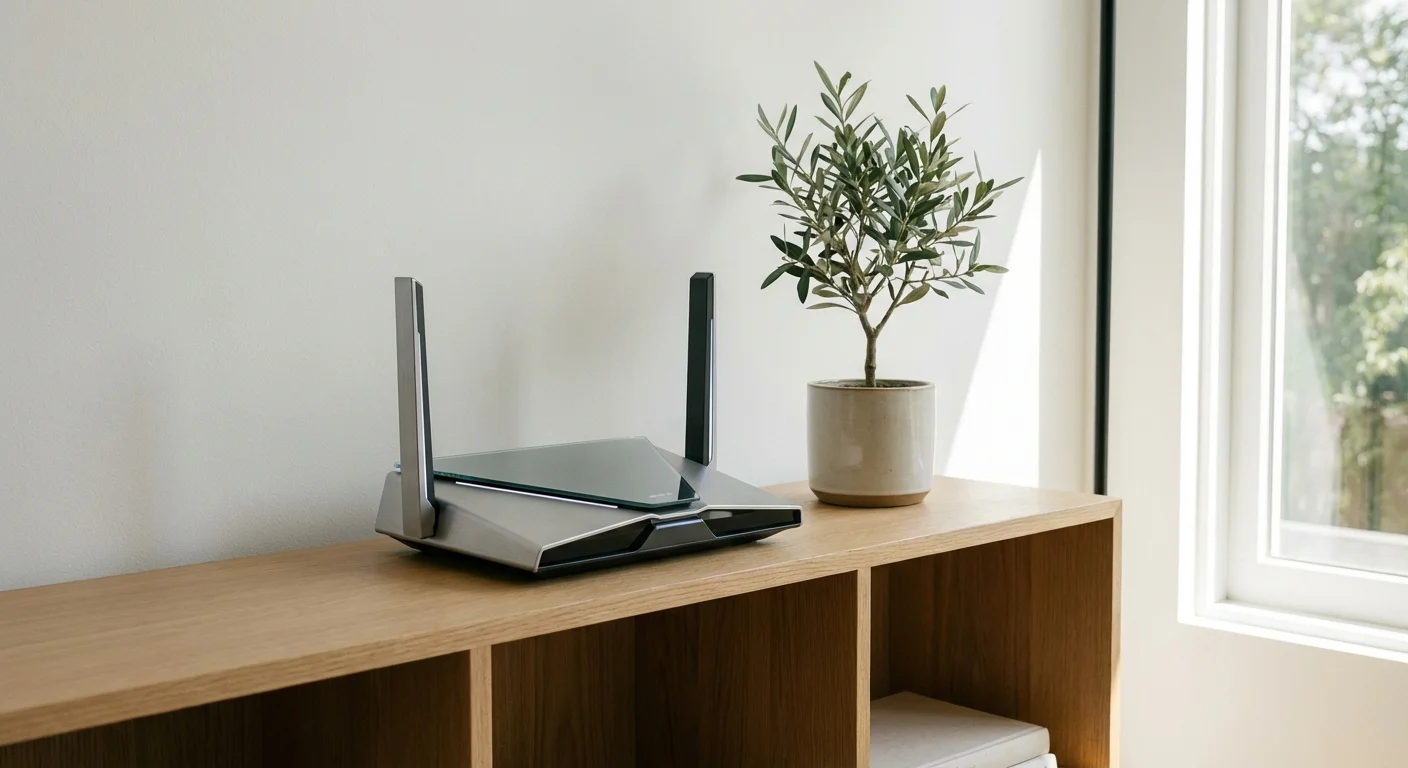
- Whole-Home Networking: If your Wi-Fi doesn’t reach your bedroom or basement, streaming will be a frustrating experience. You may need a professional to install a Mesh Wi-Fi system or run Ethernet cables to your media centers.
- Outdoor Antenna Installation: If you live far from broadcast towers, an indoor “leaf” antenna won’t work. A professional can mount a high-gain antenna on your roof and wire it into your home’s existing coaxial system.
- Complex Home Theater Integration: If you have an expensive surround sound system or a projector setup, a professional can ensure your streaming hardware is configured to output the highest quality audio and video formats.
Making the Final Move
The transition away from cable is a process, not a single event. Start by keeping your cable but subscribing to one streaming service to see if you like the interface. Once you feel comfortable, cancel the cable and try a live TV replacement for a month. Most people find that within 30 days, they don’t miss the cable interface at all.
Remember that the goal of cord-cutting is to align your spending with your actual values. If you value high-quality storytelling but hate commercials, an on-demand strategy works best. If you live for college football Saturdays, a sports-heavy live bundle is worth the investment. By being intentional with your subscriptions, you turn a mindless monthly expense into a curated entertainment experience that supports your broader financial goals.
“The most important quality for an investor is temperament, not intellect.” — Warren Buffett, Chairman of Berkshire Hathaway
While Buffett was speaking about the stock market, the same applies to your personal budget. Having the temperament to resist the “all-in-one” convenience of cable in favor of a more efficient, albeit slightly more complex, streaming setup will pay dividends for years to come.
Frequently Asked Questions
Do I need a smart TV to cut the cord?
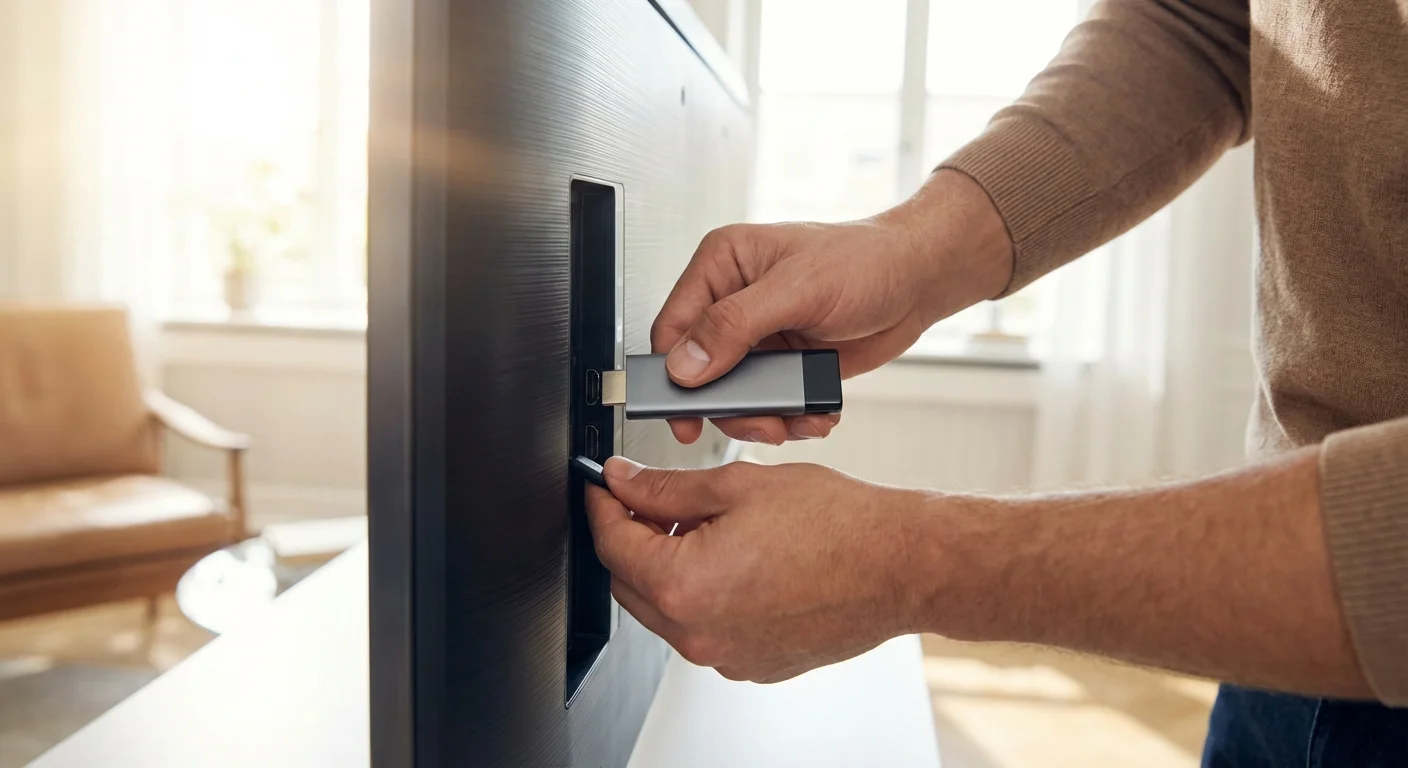
No. You can turn any TV with an HDMI port into a smart TV by plugging in a streaming device like a Roku, Amazon Fire Stick, or Chromecast. These devices often provide a faster and more updated interface than the software built into many smart TVs.
Can I still record shows without a cable DVR?
Yes. Most live TV streaming services, such as YouTube TV and Hulu + Live TV, include a Cloud DVR. Your recordings are stored on the service’s servers rather than a physical box in your home, allowing you to watch your recorded content on your phone, tablet, or TV.
What internet speed do I need for streaming?
For a single 4K stream, you need at least 25 Mbps. However, for a household with multiple people streaming simultaneously, a plan with at least 100 Mbps to 300 Mbps is recommended to avoid buffering. You can check your current speed at various free testing sites or through the Federal Communications Commission (FCC) resources on broadband.
How do I get local news and weather without cable?
You have three main options: a digital antenna for over-the-air broadcasts, a live TV streaming service that includes local affiliates, or free news apps like NewsON and Haystack News which aggregate local broadcasts.
The information in this guide is meant for educational purposes. Your specific circumstances—including income, debt, tax situation, and goals—may require different approaches. When in doubt, consult a licensed professional.
Last updated: February 2026. Financial regulations and rates change frequently—verify current details with official sources.








Leave a Reply